
Do you want your Minecraft world to look stunning without sacrificing performance? Iris Shaders is a modern solution that enables shader support on the Fabric loader and comes bundled with Sodium, a mod that guarantees a massive FPS boost. This guide will show you how to install this duo quickly and easily.
TL;DR: Download and run the official Iris installer. It will automatically create a new game profile in your launcher with Iris and Sodium ready to go. All you need to do is add your favorite shader packs. Compatibility: 1.16.5 - 1.21+ • Loader: Fabric / Quilt • Platforms: Win/Linux/macOS
What is Iris Shaders?
Iris Shaders is a modern Minecraft mod that implements shader support, running on the Fabric mod loader. Its biggest advantage is its integration with the Sodium mod, which completely rewrites the game’s rendering engine, providing much higher framerates and stability than the default engine or even OptiFine. With Iris, you can enjoy photorealistic water, dynamic shadows, and advanced lighting without worrying about drastic FPS drops.
Why use Iris?
The main reason is performance. The combination of Iris and Sodium is currently the most efficient way to play with shaders in Minecraft. It is the perfect solution for players who value smooth gameplay but don’t want to give up on visual enhancements. Furthermore, Iris is an open-source project with an active community and offers great compatibility with other Fabric mods.
Requirements
- Java installed (version 17 or newer for Minecraft 1.17+).
- The official Minecraft Launcher.
- Write permissions for the game directory.
Quick Start (3 steps)
- Download: Go to the official Iris website (link below) and download the universal installer (
.jar). - Install: Run the installer, select your Minecraft version, and click
Install. - Launch: In the Minecraft launcher, select the new
Iris & Sodiumprofile and click Play.
Step-by-step instructions
Step 1 — Download the installer
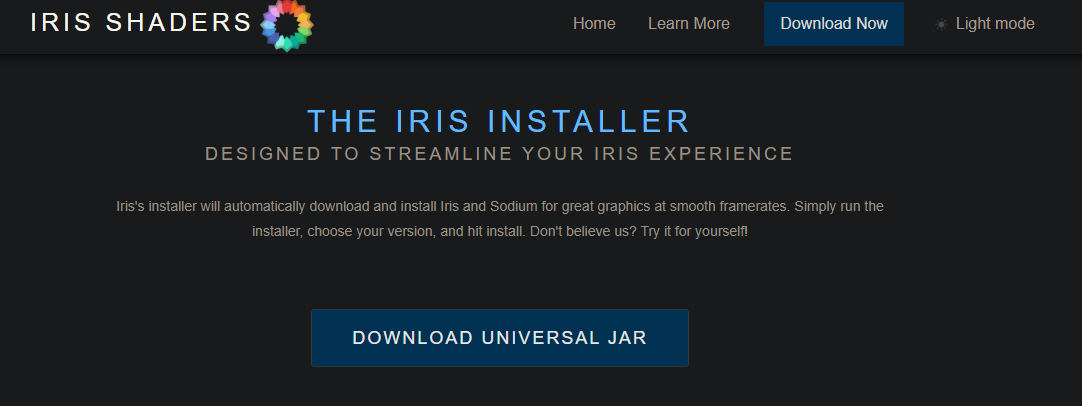
Navigate to irisshaders.dev/download and click the “Download Universal JAR” button. Save the file in an easily accessible location, like your desktop.
Step 2 — Run the installation
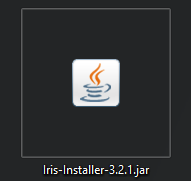
The installer is a .jar file that can be run in two ways:
- Graphically: Double-click the downloaded file. If nothing happens, it indicates a problem with
.jarfile associations or a missing Java installation. - From the terminal: Open a terminal (or CMD on Windows) in the file’s location and type
java -jar filename.jar, replacingfilename.jarwith the actual name of the installer.
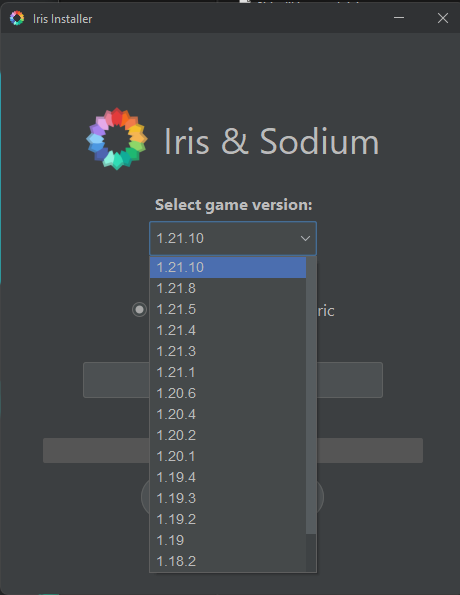
In the installer window:
- Ensure the
Iris & Sodiumoption is selected. - Choose the Minecraft version you want to play from the list.
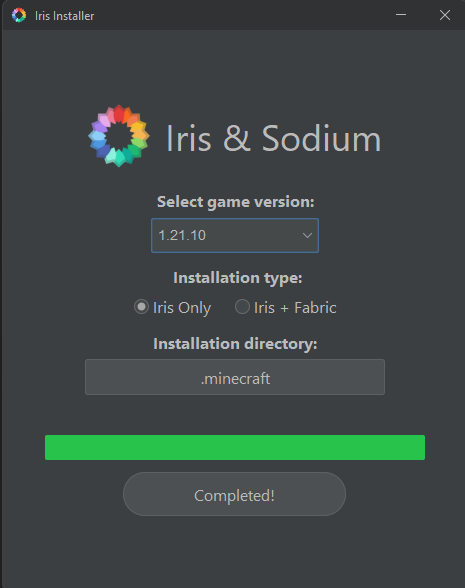
- Verify that the installation path is correct (defaults to
.minecraft). - Click the Install button.
Step 3 — Launch the game and add shaders
After the installation is complete, close the window. Open the official Minecraft Launcher.
- In the bottom-left corner, you will find a new profile in the list named “Iris & Sodium” for your selected version. Select it.
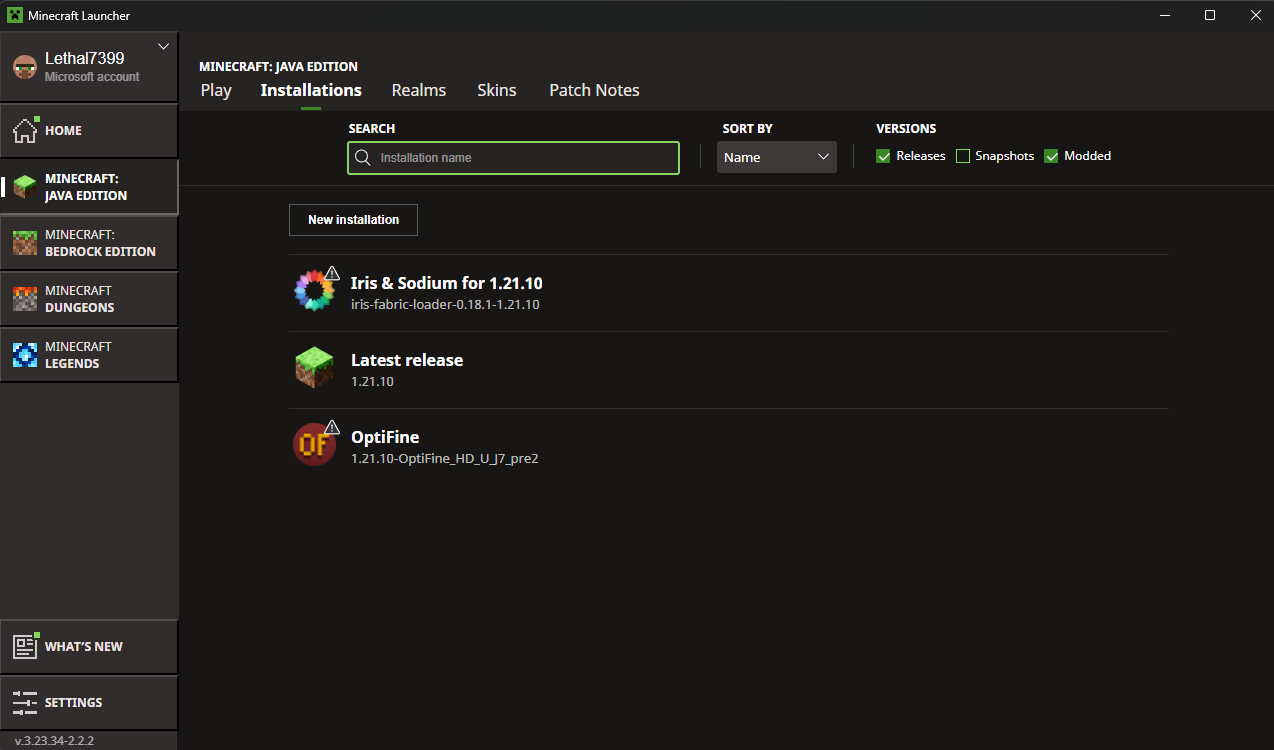
- Click Play.
- Once the game starts, go to
Options...>Video Settings...>Shader Packs....

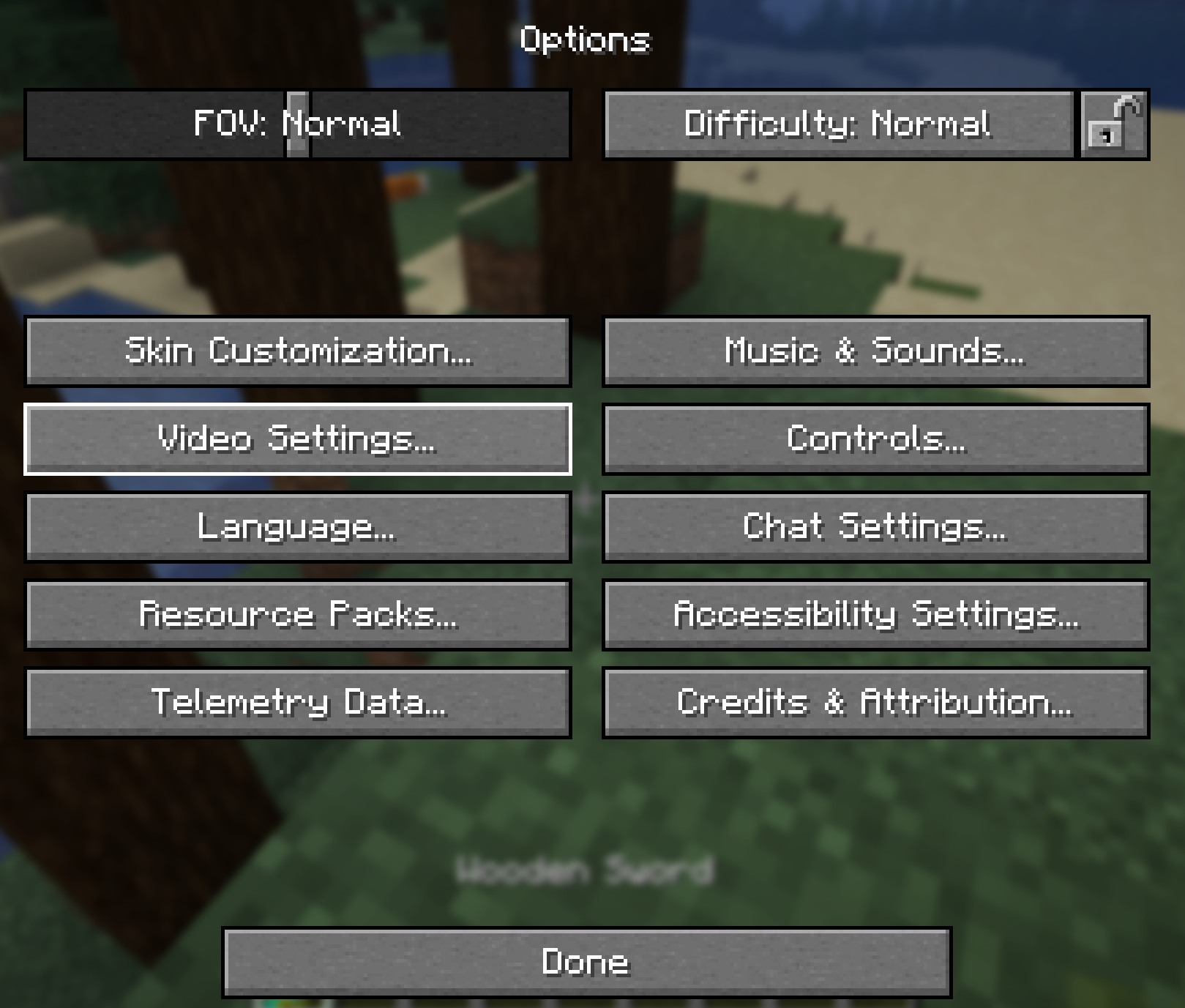

- Download a shader pack (e.g., from Modrinth) and, without unpacking it (
.zip), drop it into the folder that opens when you clickOpen Shader Pack Folder.
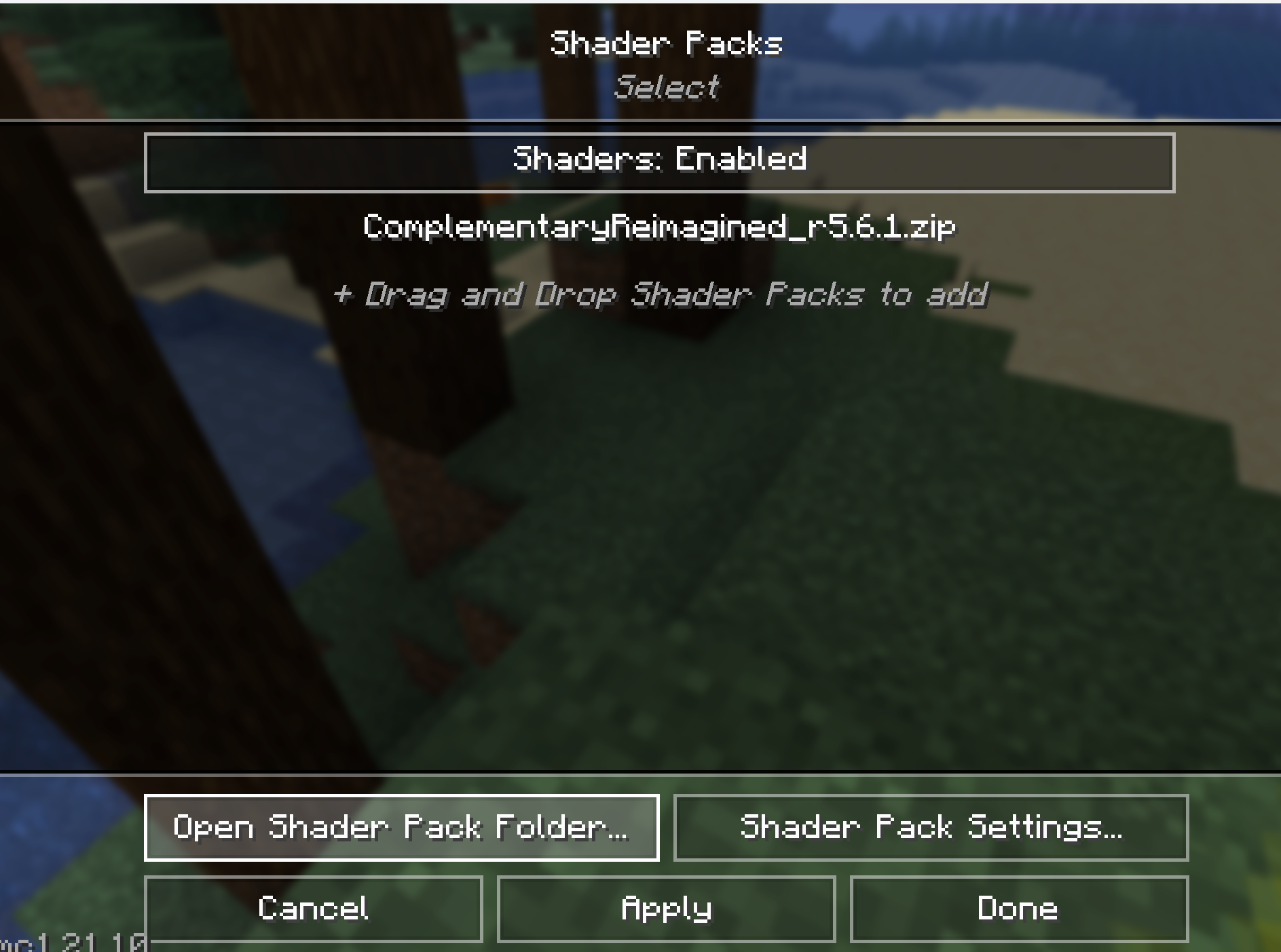
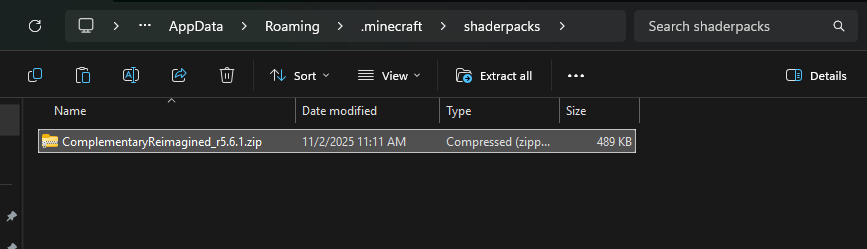
- Select the added shader from the in-game list. The changes will be visible immediately!
Common Issues & Fixes
- Installer doesn’t run: You most likely don’t have Java installed or have an incorrect version. Install the latest version of Java 17 or 21.
- “Iris & Sodium” profile is missing in the launcher: Ensure the installer pointed to the correct
.minecraftfolder path. Restart the launcher. - Game crashes: Check if the shader pack is compatible with your game version and Iris. Some older shaders may cause issues.
Uninstallation
To uninstall Iris, simply run the installer again, select the same game version, and click the Uninstall button. You can also manually delete the profile from the Minecraft launcher.

Downloads & Links
- Fabric API — Required by most mods
- Download Iris Shaders (Installer) — Official Website
- Browse Shaders on Modrinth — Recommended source for shaders